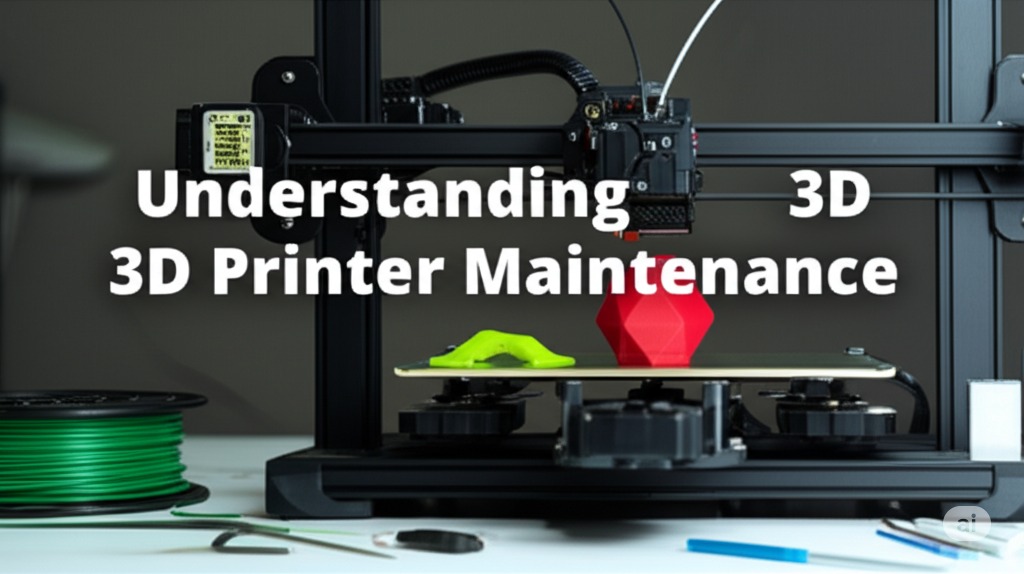
Understanding 3D Printer Maintenance
Regular maintenance is crucial for keeping your 3D printer in optimal condition. This guide covers essential maintenance tasks and troubleshooting tips to ensure consistent print quality.
Daily Maintenance - Clean the print bed - Check filament path - Inspect for loose parts - Monitor first layer
Weekly Tasks - Clean the hotend - Check belt tension - Lubricate moving parts - Calibrate the bed
Monthly Maintenance - Deep clean the printer - Check electrical connections - Inspect fans and cooling - Update firmware
Common Issues and Solutions - Bed adhesion problems - Extruder jams - Layer shifting - Stringing and oozing
Preventive Measures - Regular cleaning schedule - Proper storage - Quality materials - Environmental control
By following these maintenance guidelines, you can extend the life of your printer and maintain consistent print quality.